Cherry Studio
Desktop AI assistant client supporting multi-model conversations and multi-role management.
Chat settings options
In the Models Hub console, under System Settings -> Chat Settings, you can add the following shortcut option to enable one-click fill into Cherry Studio from the token management page:
{ "Cherry Studio": "cherrystudio://providers/api-keys?v=1&data={cherryConfig}" }🍒 Cherry Studio is a powerful desktop AI client designed for professional users. It integrates 30+ industry-specific intelligent assistants to meet the needs of various work scenarios and significantly boost productivity.
- Official website: https://cherry-ai.com
- Download: https://cherry-ai.com/download
- Official documentation: https://docs.cherry-ai.com
How to Connect to Models Hub
Parameters
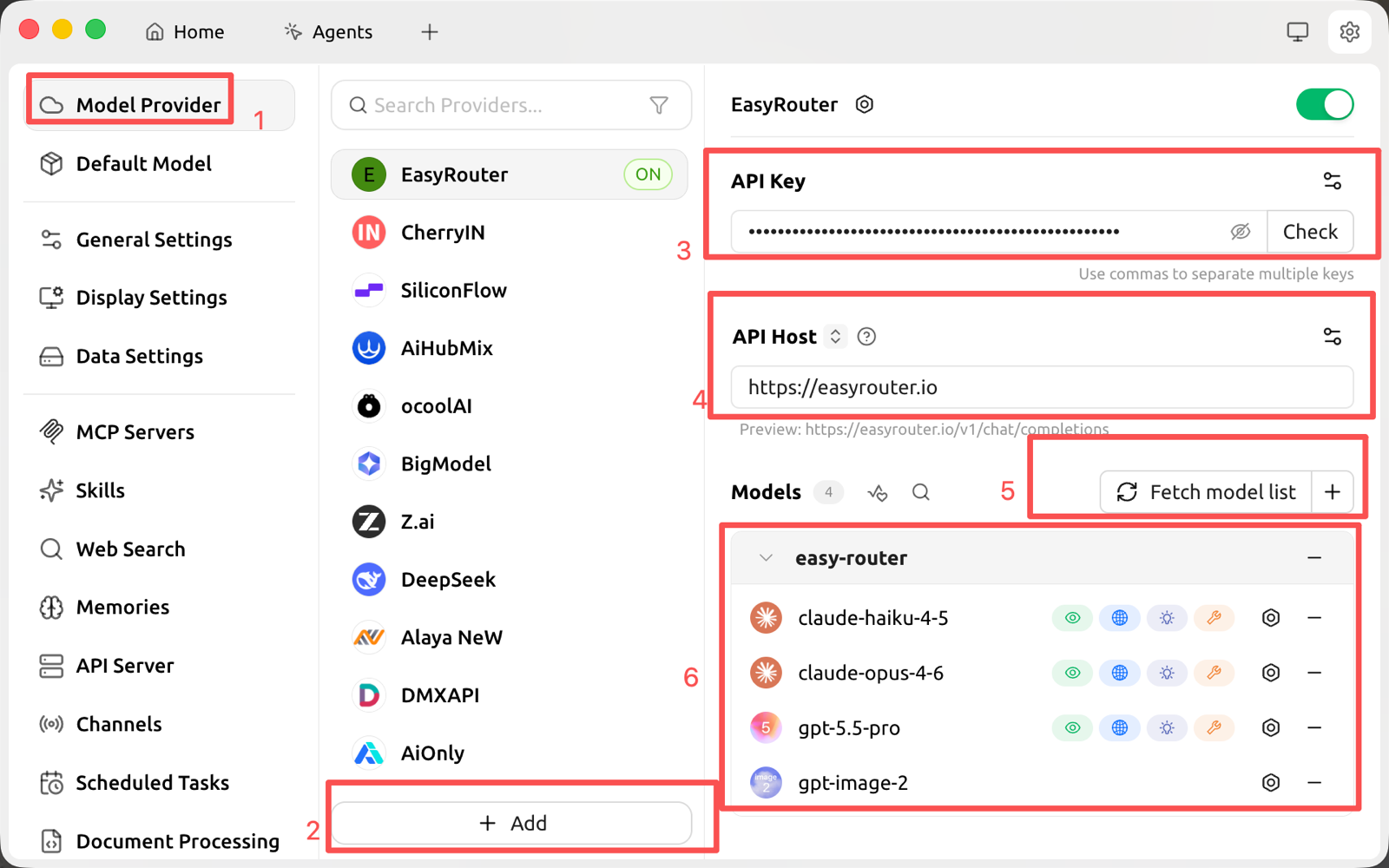
Provider type: a type supported by Models Hub. API key: generate one in the Models Hub console. API URL: the Models Hub service address.
Step-by-step guide
-
Copy your API key in Models Hub

-
Add a provider
-
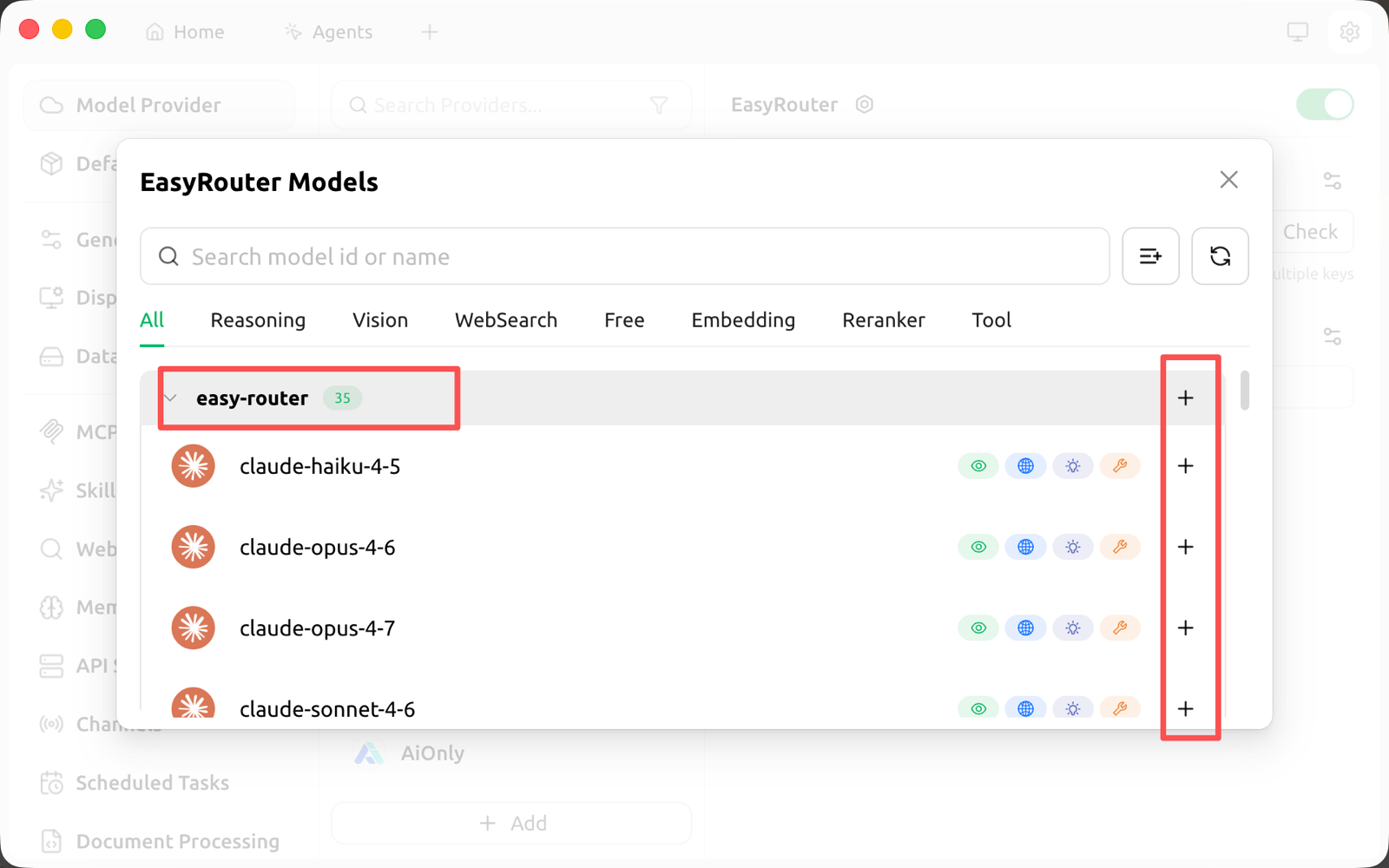
Add a model
-
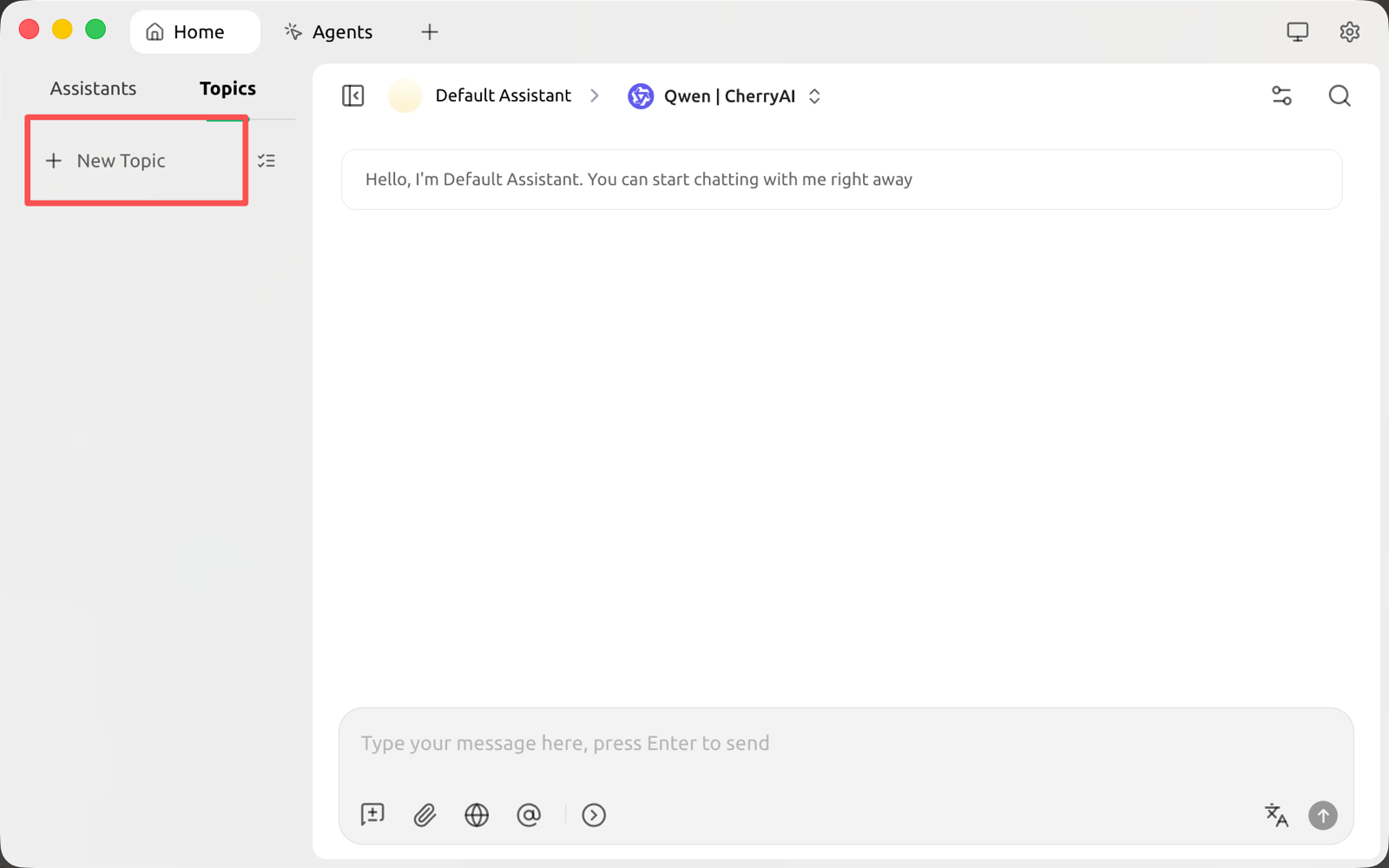
Return to the chat page
-
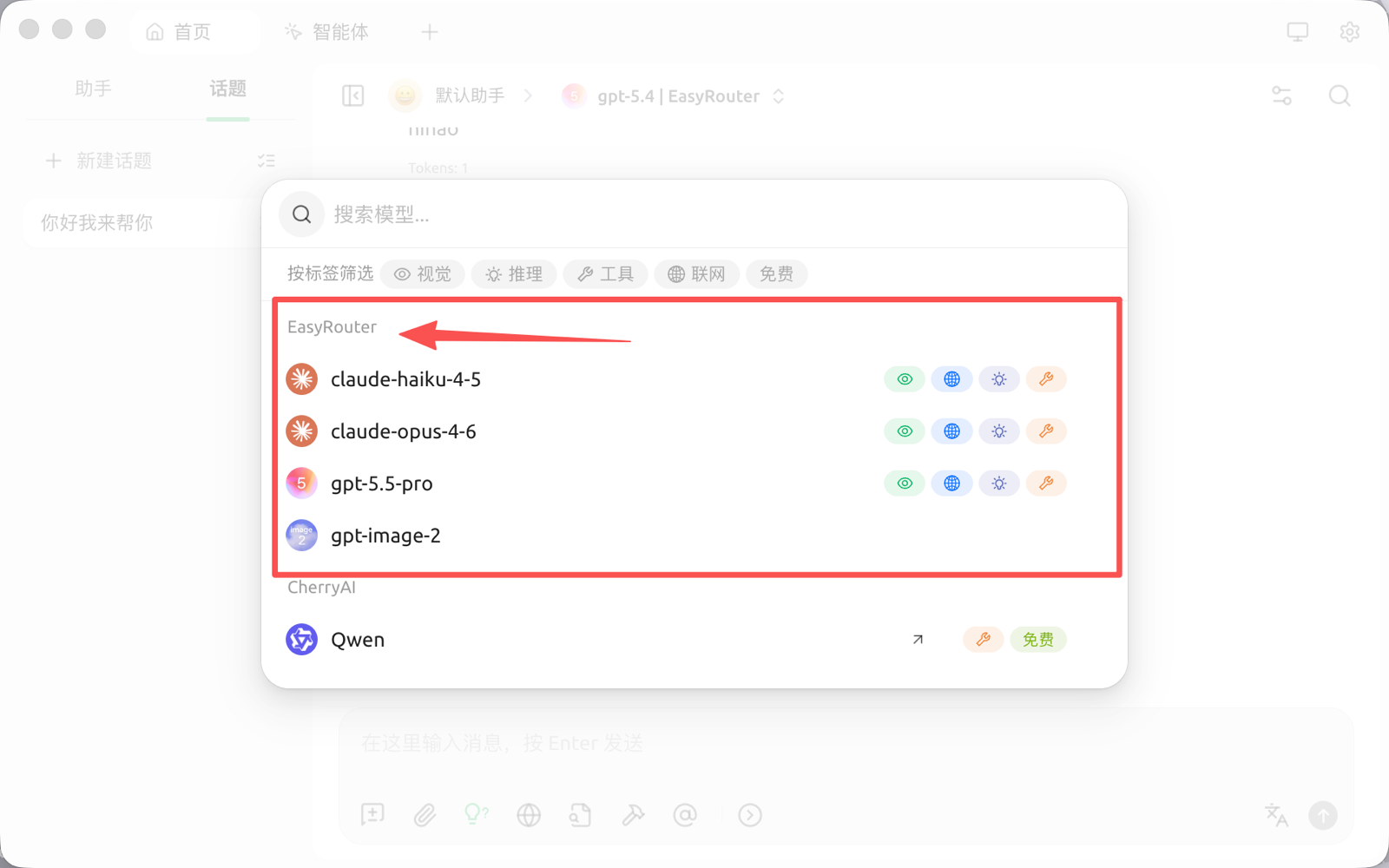
Switch to the Models Hub model